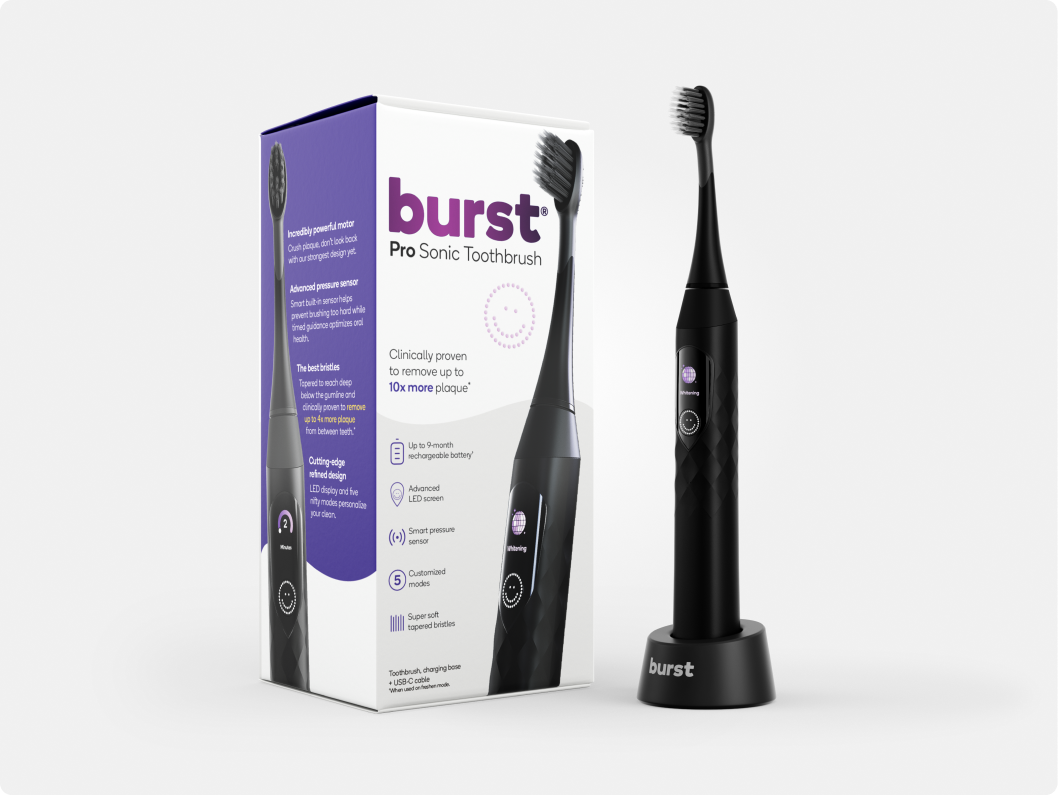


Water Flosser Replacement Tip

Refill plan: $7 replacement tip every 12 weeks, cancel anytime
Tips explained

Classic (included)
The everyday tip, recommended by many dental professionals — a match made in heaven with STANDARD mode.

Perio (optional)
For sensitivity, a soft, silicone-tipped nozzle massages gums and reaches crevices/problem areas – perfection with PULSE mode.

Ortho (optional)
Designed for orthodontics and dental work, the tiny, clustered bristles help clean around brackets – ideal TURBO mode match.

Reach every area of your mouth
Our nozzle tips rotate 360° so you can reach even the most hard-to-reach areas in your mouth. Great for sensitive gums, braces, bridges or other dental work.
Got questions?
More questions?
Find answers on our FAQs page.
Can I use the Burst Water Flosser with Implants, Crowns or Bridges?
Can I use the Burst Water Flosser with Implants, Crowns or Bridges?
If you can't, don't, or won't use string floss, use a Water Flosser every day when you take a shower. For crowns, bridges, implants, and spaces that tend to trap food and plaque, the Burst Water Flosser is a great tool in addition to your Burst Toothbrush and Burst Floss.
What solutions can I use in the Burst Water Flosser?
What solutions can I use in the Burst Water Flosser?
We recommend room temperature or warm water are used in the Burst Water Flosser.
Can I use my Burst Water Flosser daily?
Can I use my Burst Water Flosser daily?
Absolutely, we recommend it!
How do I clean my Burst Water Flosser?
How do I clean my Burst Water Flosser?
"We've got you covered with this helpful video!"
How do I change modes on my Burst Water Flosser?
How do I change modes on my Burst Water Flosser?
First ensure the unit is fully powered off. If the lights are flashing then press and hold the power button for a second or two until the light stops flashing. You can change modes by holding down the power button until the light begins to toggle through the mode options. Release at the mode of choice (standard, turbo or pulse).
- Rated 5 out of 5 stars9 months agoWater flosser
Glad to receive my new replacement flosser.
JSJanis S. L.Verified Buyer